
Displays, Cameras & Accessories
ISOBUS Display Solution
Keep implement controls on a separate screen.
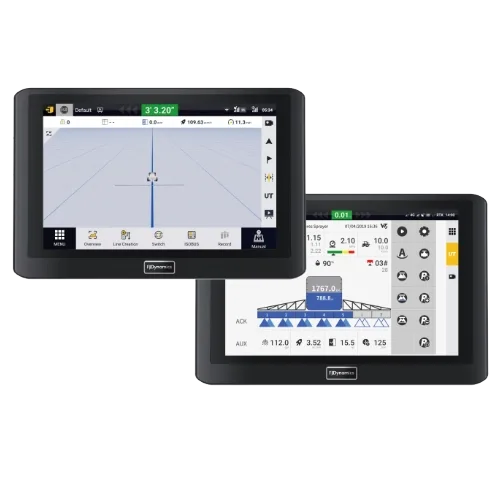
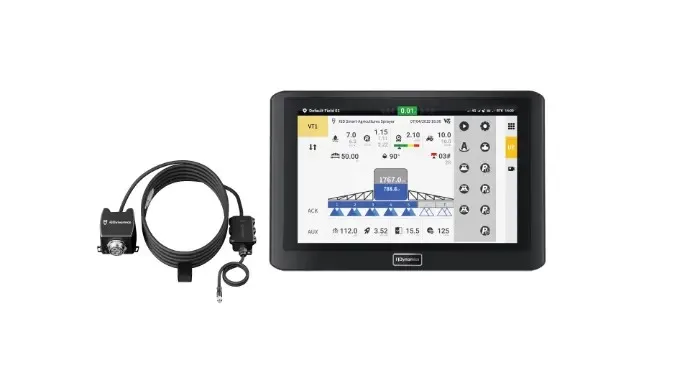
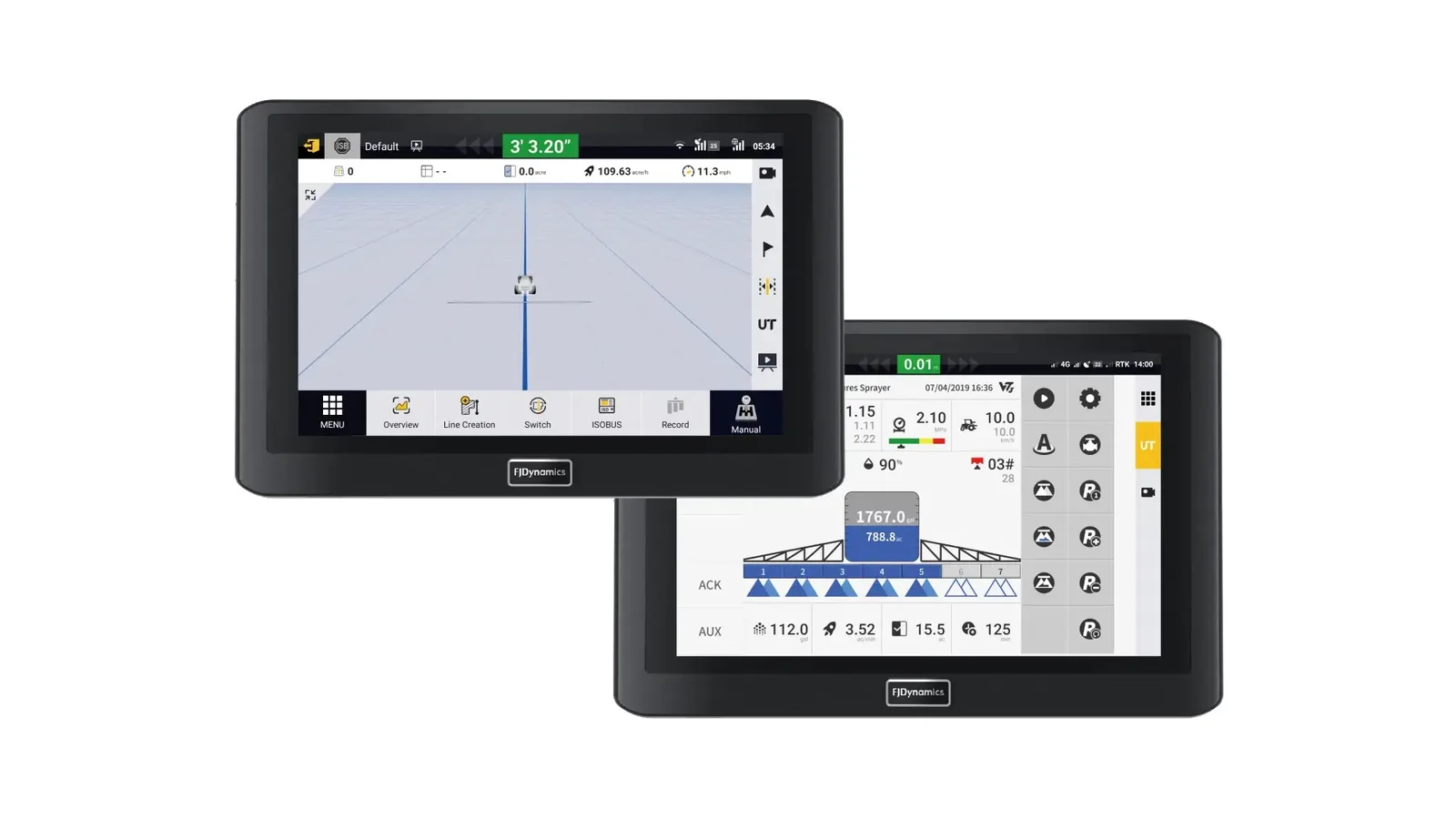
The FJD ISOBUS Display Solution puts implement data and controls on an independent screen. This lets you keep navigation and implement information visible at the same time. It supports several ISOBUS functions and can work with older or newer implements, depending on the setup.
Best for: Farmers who want separate implement controls without switching away from the navigation screen.
Talk To Farm Experts Call or Text (580) 394-0089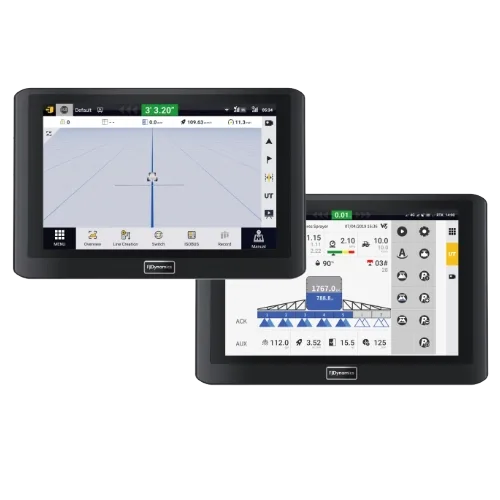
What the ISOBUS Display Solution does for you
Separate Implement Screen
View implement data on its own screen instead of switching to the navigation display.
ISOBUS Function Support
The system can support UT, AUX-N, ISB, and TC modules. The exact functions depend on the selected setup.
Real-Time Data Sync
Changes made on the ISOBUS screen are updated on the navigation screen in real time.
Flexible Installation
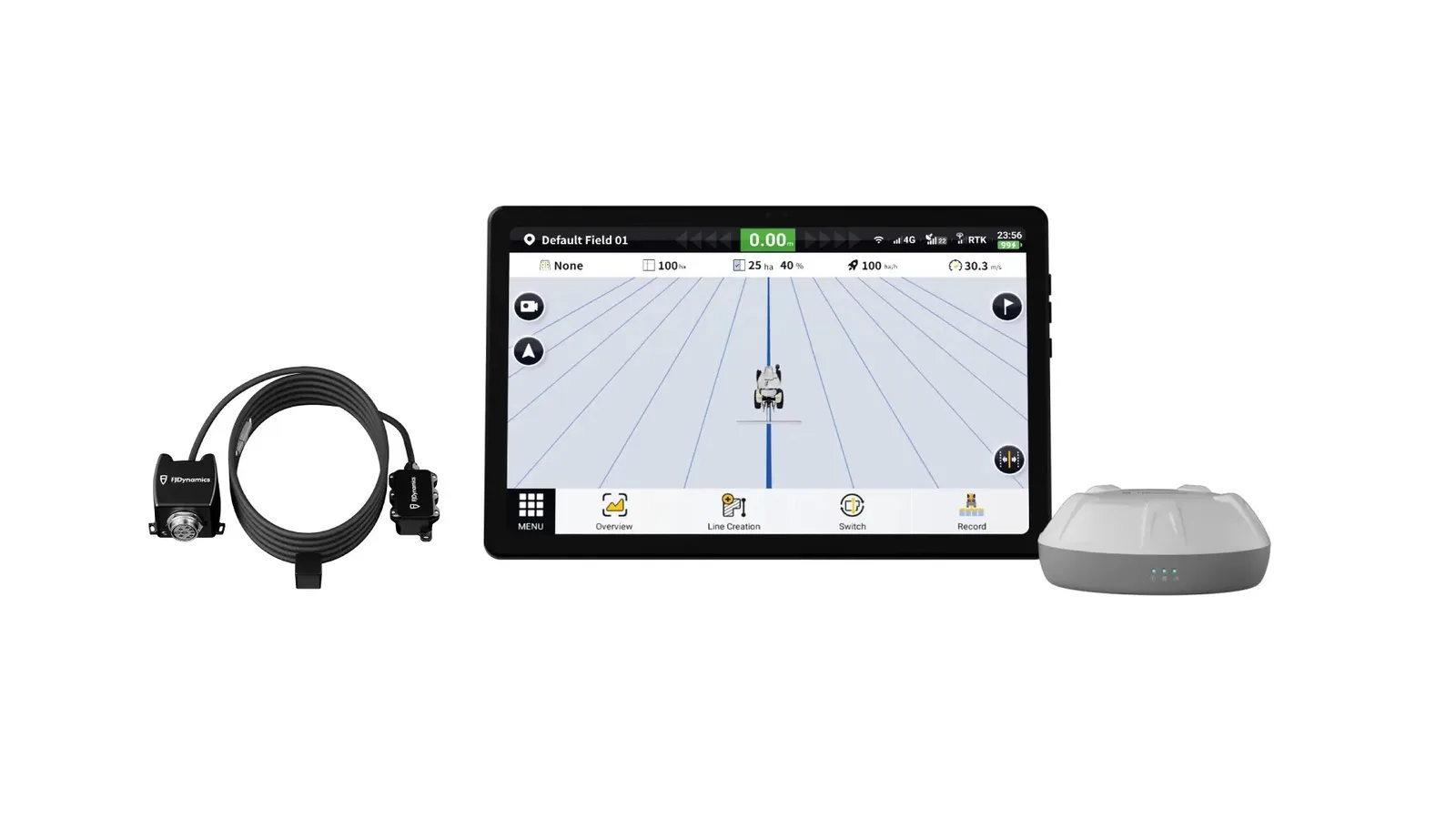
Use a wireless single-screen setup, a wired single-screen setup, or a wired dual-screen setup.
Camera And Keypad Ports
The wired single-screen setup includes external ports for NMEA0183 input, a camera, and a keypad. The wired dual-screen setup can also support camera feed display and external keypad control.
Works With Older Implements
The system can run independently to control an implement or serve as a support screen for the navigation display.
At a glance
| Display dimensions | 275 x 180 x 25 mm |
|---|---|
| Screen | 10-inch touch screen, 700 nits backlight |
| Power supply | 9–36V |
| Resolution | 1280 x 720 pixels |
| Storage | 2GB RAM, 8GB ROM |
| Operating temperature | -20°C to 70°C |
| Storage temperature | -40°C to 85°C |
| Waterproof and dustproof rating | IP65 |
| Wi-Fi | 2.4 GHz frequency band; frequency range 2.4 GHz–2.5 GHz; output power 14dB ± 1.5dB |
| Access ports | Main Wiring Harness x 2, Radio x 1, Type-C x 2, SIM Card x 1 |
| External port support | ISOBUS, NMEA0183 output cable, joystick, wired camera, and FJD keypad |
Compatibility
The solution is designed for popular ISOBUS implements and third-party systems. Wireless setups use AG1, ISOUNI-PRO or ISORDY-PRO, and a GNSS receiver. Wired setups use a 10-inch AT2 display from v2025 or later; the wired dual-screen setup also uses an FJD navigation display. Available ISOBUS functions vary by setup.
Not sure it fits your equipment? Send us the make, model and year and we will tell you straight.
Common questions
Can this run my implement without using the navigation screen?
Yes. The wireless and wired single-screen options can independently control an implement. Call DST to confirm the right setup for your equipment.
Can I use it with an older implement?
The system is designed to work with both older and newer implements, but compatibility depends on the implement and selected configuration. Call DST before ordering.
Does every setup support task control and all ISOBUS functions?
No. The wireless option supports UT, AUX-N, ISB, and TC. The wired single-screen option supports UT, AUX-N, and ISB. The wired dual-screen option supports UT, AUX-N, and ISB on the 10-inch screen, with TC disabled.
More in Displays, Cameras & Accessories
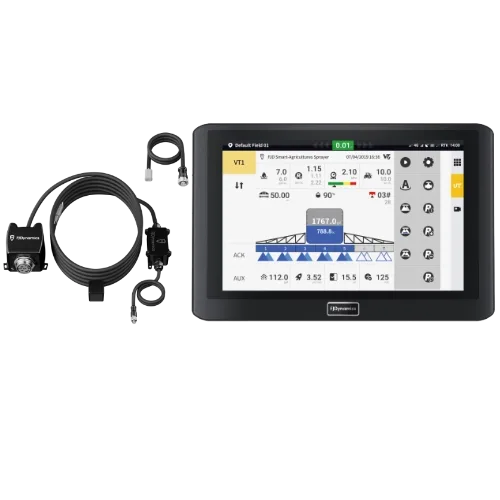
ISOBUS Connectivity
Connect mixed-brand implements and simplify tractor control.
Learn more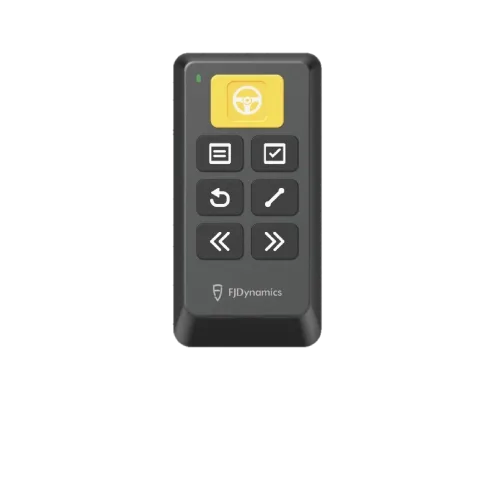
Easy Control Remote
Control key guidance functions without reaching for the touchscreen.
Learn more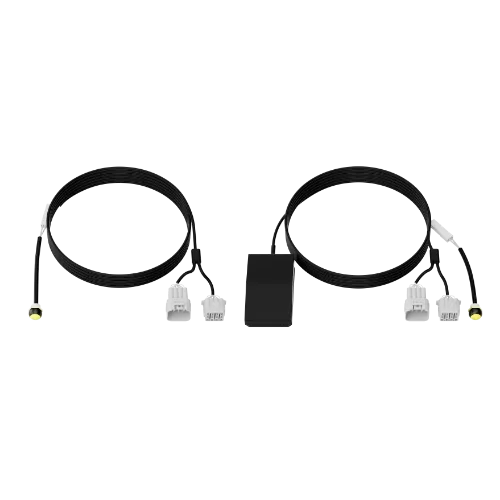
Easy Switch
Switch between steering modes with one press or step.
Learn more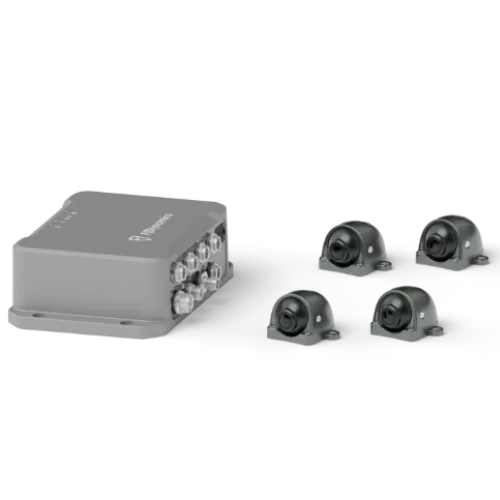
360 OmniView Camera System
See around your machine when tight spaces leave no room for error.
Learn moreFarmers helping farmers
Two-year warranty. One-year buy-back guarantee. US-based support out of Oklahoma.