ISOBUS Display Solution
Serving the United States
Keep implement controls on a separate screen.
- Created by Farmers for Farmers
- Buy-Back Guarantee
- Two-Year Warranty
- Precision Products for New and Older Equipment
Call or text 8:00 am to 8:00 pm, seven days a week.
Displays, Cameras & Accessories
ISOBUS Display Solution
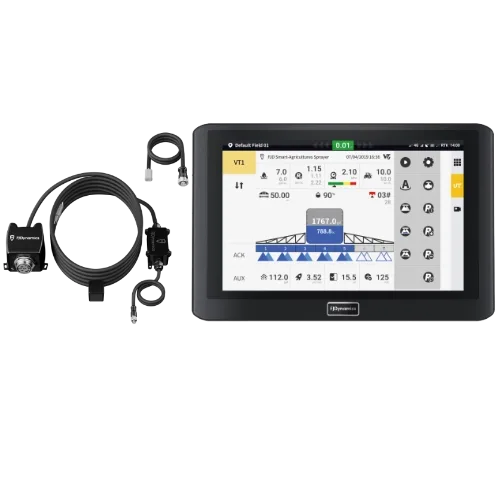
The FJD ISOBUS Display Solution puts implement data and controls on an independent screen. This lets you keep navigation and implement information visible at the same time. It supports several ISOBUS functions and can work with older or newer implements, depending on the setup.
Best for: Farmers who want separate implement controls without switching away from the navigation screen.
Compatibility
What does the ISOBUS Display work with?
The ISOBUS Display is designed for popular ISOBUS implements and third-party systems, and it sets up three ways.
- Wireless, one screenUses an AG1, an ISOUNI-PRO or ISORDY-PRO and a GNSS receiver. Runs UT, AUX-N, ISB and TC.
- Wired, one screenUses a 10-inch AT2 display from 2025 or later. Runs UT, AUX-N and ISB.
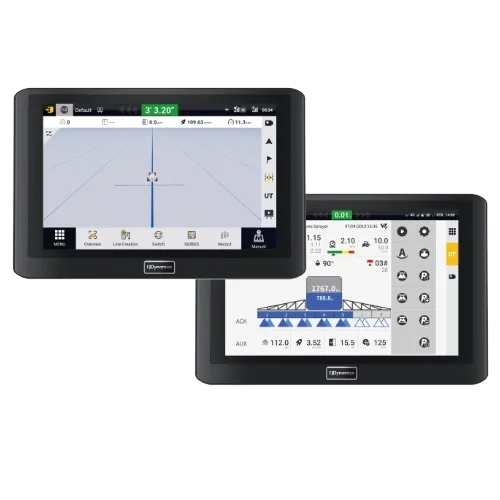
- Wired, two screensPuts the 10-inch screen beside your navigation display. Runs UT, AUX-N and ISB on the 10-inch screen.
Text us the implement and the display in your cab, and we will tell you which of the three setups fits.
What the ISOBUS Display Solution does for you
Separate Implement Screen
View implement data on its own screen instead of switching to the navigation display.
ISOBUS Function Support
The system can support UT, AUX-N, ISB, and TC modules. The exact functions depend on the selected setup.
Real-Time Data Sync
Changes made on the ISOBUS screen are updated on the navigation screen in real time.
Flexible Installation
Use a wireless single-screen setup, a wired single-screen setup, or a wired dual-screen setup.
Camera And Keypad Ports
The wired single-screen setup includes external ports for NMEA0183 input, a camera, and a keypad. The wired dual-screen setup can also support camera feed display and external keypad control.
Works With Older Implements
The system can run independently to control an implement or serve as a support screen for the navigation display.
Video: ISOBUS Display in 30 seconds
The FJD ISOBUS Display is a second screen for your implement controls, so your auto steer guidance stays up the whole time.
What the video shows
- Implement controls on their own screen
- Guidance stays up the whole time
- Changes sync between screens
- Wireless or wired setups
- Runs older implements too
- One or two screen setups
- Two-year warranty
- US support and service
Why add a second screen?
Your implement controls get their own screen, so guidance stays up the whole time. Changes sync between the two screens.
How does the ISOBUS Display connect?
Wireless or wired, in one or two screen setups. It also runs older implements.
ISOBUS Display up close
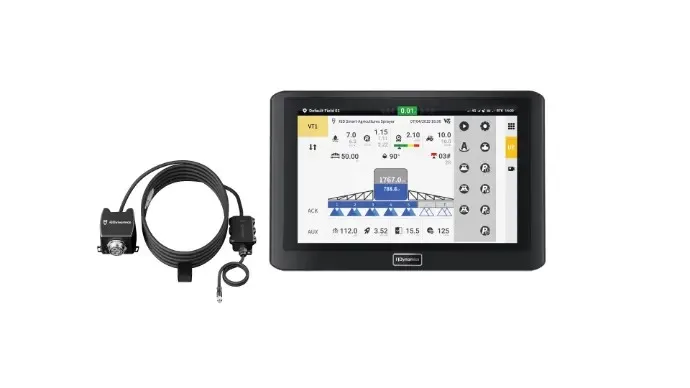
Tap any picture to see it full size.
After the sale
Farmers helping farmers
Over 30 years of experience. Trusted by thousands of farmers across the US. Two-year warranty. One-year buy-back guarantee. US-based support.
- 01
Before you buy
Call or text and talk to a farmer. Tell us the implement and the display in your cab, and we tell you which of the three setups fits.
- 02
Install day
Our tech walks you through the mount, the cable and the settings on the phone.
- 03
First hookup
We check that the implement shows up on the screen with you.
- 04
In the field
Call or text 8:00 am to 8:00 pm, seven days a week. We can remote into your display while you sit in the cab.
At a glance
| Display dimensions | 10.8 x 7.1 x 1 in |
|---|---|
| Screen | 10-inch touch screen, 700 nits backlight |
| Power supply | 9–36V |
| Resolution | 1280 x 720 pixels |
| Storage | 2GB RAM, 8GB ROM |
| Operating temperature | -4°F to 158°F |
| Storage temperature | -40°F to 185°F |
| Waterproof and dustproof rating | IP65 |
| Wi-Fi | 2.4 GHz frequency band; frequency range 2.4 GHz–2.5 GHz; output power 14dB ± 1.5dB |
| Access ports | Main Wiring Harness x 2, Radio x 1, Type-C x 2, SIM Card x 1 |
| External port support | ISOBUS, NMEA0183 output cable, joystick, wired camera, and FJD keypad |
Common questions
Can this run my implement without using the navigation screen?
Yes. The wireless and wired single-screen options can independently control an implement.
Can I use it with an older implement?
Yes. The system is designed to work with both older and newer implements. Text us the implement and we will tell you which setup runs it.
Does every setup support task control and all ISOBUS functions?
No. The wireless option supports UT, AUX-N, ISB, and TC. The wired single-screen option supports UT, AUX-N, and ISB. The wired dual-screen option supports UT, AUX-N, and ISB on the 10-inch screen, with TC disabled.
More in Displays, Cameras & Accessories
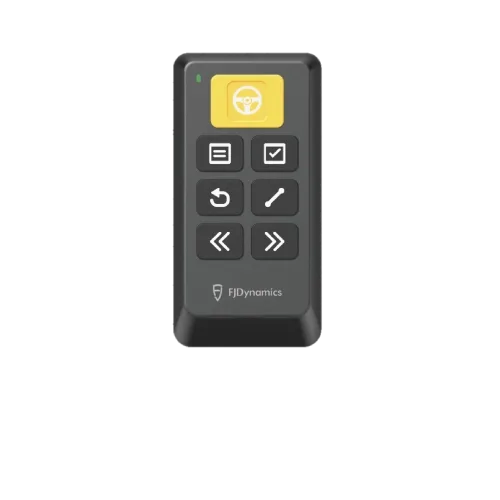
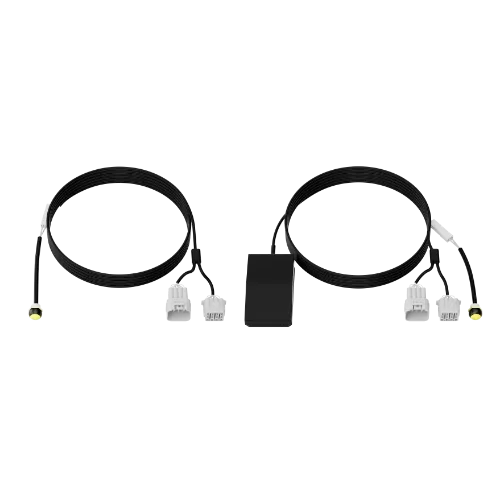
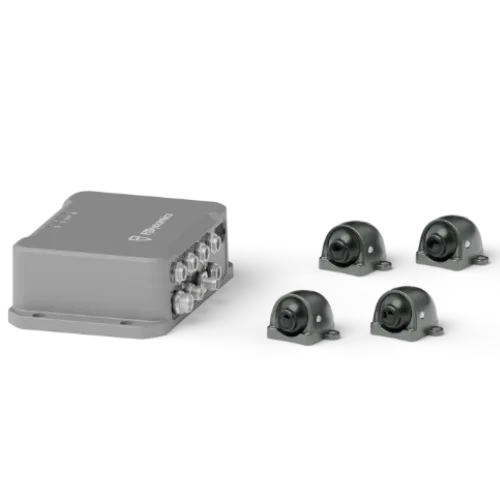
360 OmniView Camera System
See around your machine when tight spaces leave no room for error.
Learn moreIt's easy to get started.Talk to a farmer today.
Learn more about
Deep Sand Tech
Serving the United States. Deep Sand Tech specializes in affordable, industry leading, agricultural autosteering systems and agtech management support. Two-year warranty. Buy-back guarantee. Talk to a farmer today.
Watch Video