ISOBUS Connectivity
Serving the United States
Connect mixed-brand implements and simplify tractor control.
- Created by Farmers for Farmers
- Buy-Back Guarantee
- Two-Year Warranty
- Precision Products for New and Older Equipment
Call or text 8:00 am to 8:00 pm, seven days a week.
Displays, Cameras & Accessories
ISOBUS Connectivity
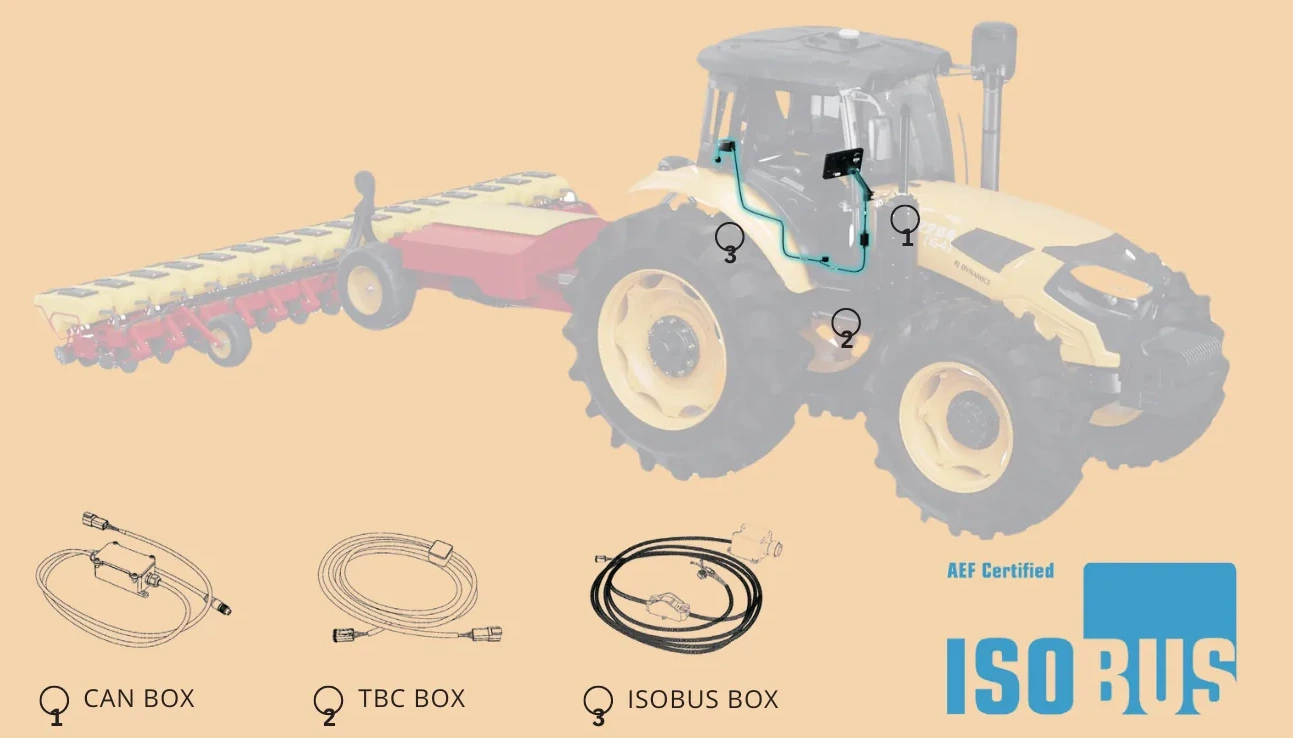
FJD ISOBUS lets your tractor communicate with compatible implements through the ISO 11783 standard. It supports a unified display, automatic section control, variable-rate application, and operation data transfer across your equipment.
Best for: Farms running ISOBUS-compatible implements from different manufacturers.
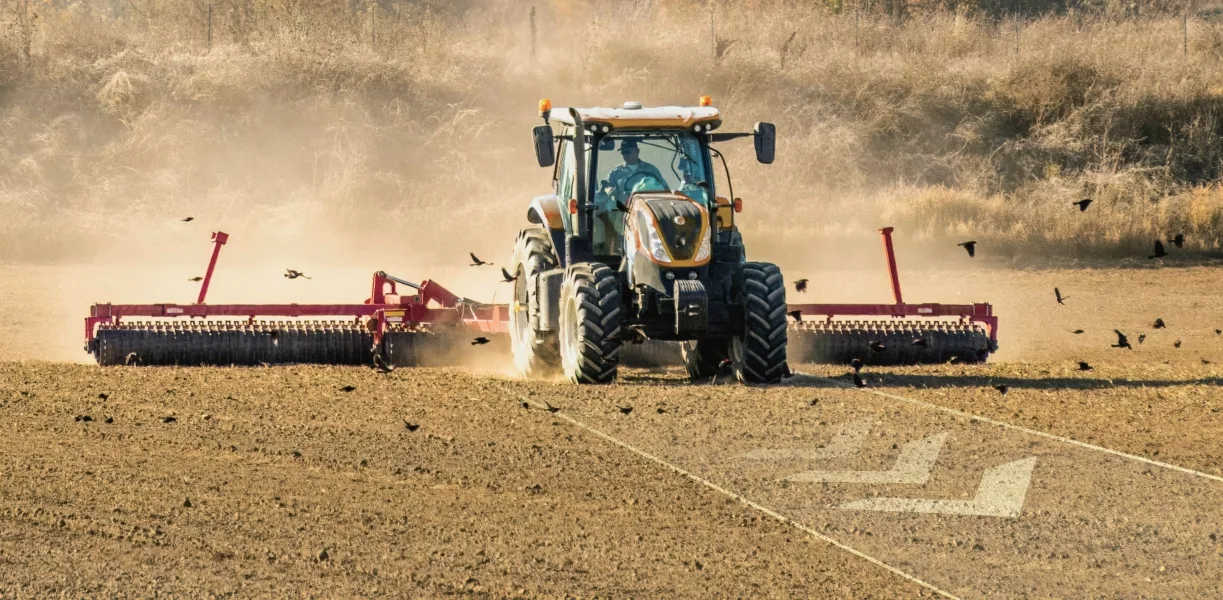
Mixed-brand tractors, displays and air seeders
What does ISOBUS work with?
A question we get a lot: which air seeding systems, planters and sprayers work with a mixed-brand tractor and display over ISOBUS? If the implement controller is ISOBUS certified for UT and task control, it runs on the FJD display through this cable, whatever color the tractor is. The display becomes the virtual terminal, section control comes from the GPS position, and rate control follows the prescription. That is what lets one AT2 Max run a red air cart behind a green tractor, or a drill from one brand behind a tractor from another. Send us the implement controller model and we tell you straight whether it is plug and play or needs a harness.
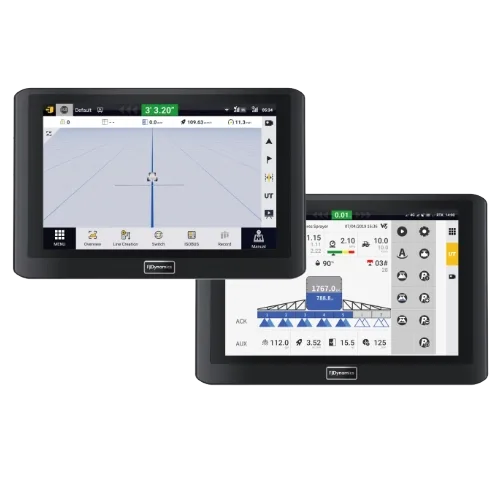
- One screenThe auto steer display becomes the implement screen, so there is no second monitor in the cab.
- Section controlSections shut off on their own over ground you already covered and at the field edge.
- Variable rateThe rate follows your prescription map across the field.
It runs sprayers, seed drills and fertilizer spreaders. It works on the AT2, AT2 Max, AS2 Max, AH2 Max and AT2 Ultra, and it is AEF certified for UT, TC-BAS, TC-SC, TC-GEO and AUX-N.
Not sure what controller is on the implement? Text us a picture of its monitor and its plug.
What ISOBUS does for you
Mixed-Brand Compatibility
Connect and manage ISOBUS-compatible implements from different manufacturers. This helps reduce control hassles across a mixed equipment fleet.
Unified Virtual Terminal
Use one interface to display and control compatible implement systems. The system is designed to simplify operation from the tractor cab.
Automatic Section Control
TC-SC can turn implement sections on and off based on GPS location and overlap settings. This helps reduce repeated applications and material waste.
Variable-Rate Application
TC-GEO uses GNSS location data to support variable-rate applications based on soil type and crop needs. Application data can also be logged for later review.
Operation Data Transfer
TC-BAS records values such as total working area. It supports importing jobs and exporting completed records between farm management systems, control systems, and implements.
Auxiliary Equipment Control
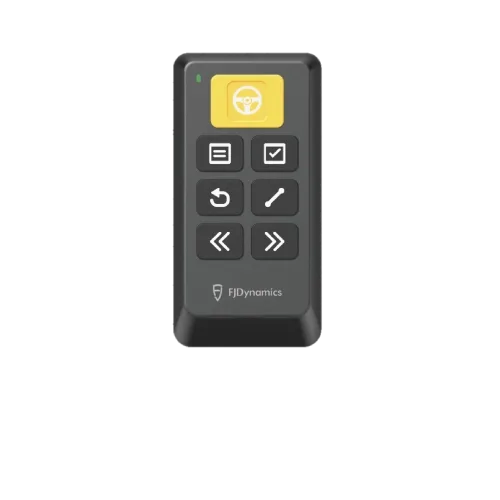
AUX-N supports auxiliary controls such as a joystick or SwitchBox. This can make complex implement controls easier to operate.
Video: ISOBUS in 30 seconds
FJD ISOBUS implement control connects mixed-brand implements to your auto steer display, with automatic section control and variable rate by location.
What the video shows
- Connects mixed-brand implements
- Control them from one screen
- Automatic section control
- Variable rate by location
- Import jobs, export records
- Joystick and switchbox support
- Two-year warranty
- US support and service
What does ISOBUS do on an auto steer display?
It connects ISOBUS implements from different brands to one screen, with automatic section control and variable rate by location. You can import jobs and export records, and it supports a joystick and switchbox.
Will ISOBUS work with my implement?
If its controller is ISOBUS certified for UT and task control, yes. Text us the make and model and we will tell you whether it plugs straight in or needs a harness.
The systems it runs on
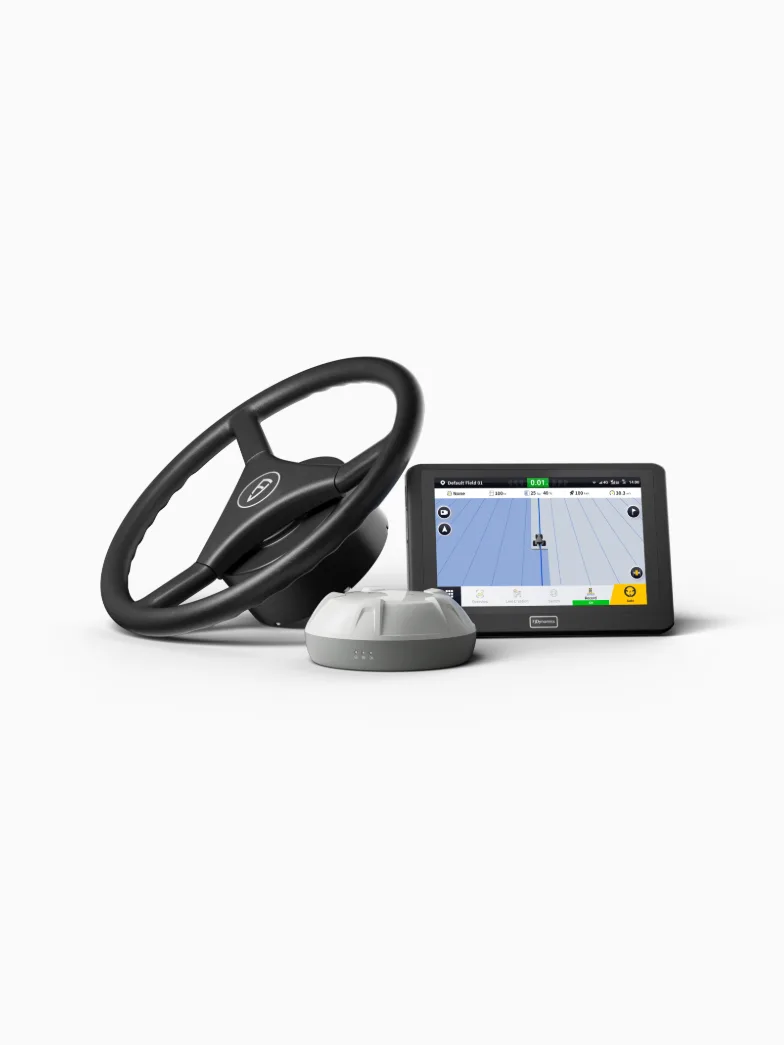
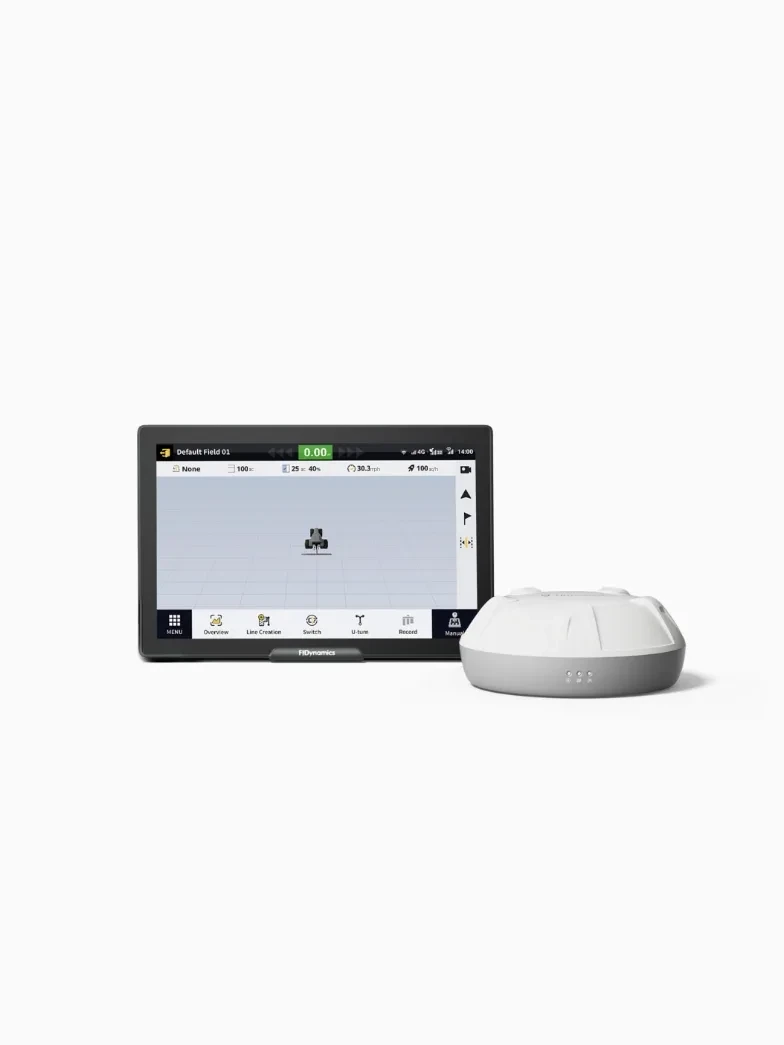
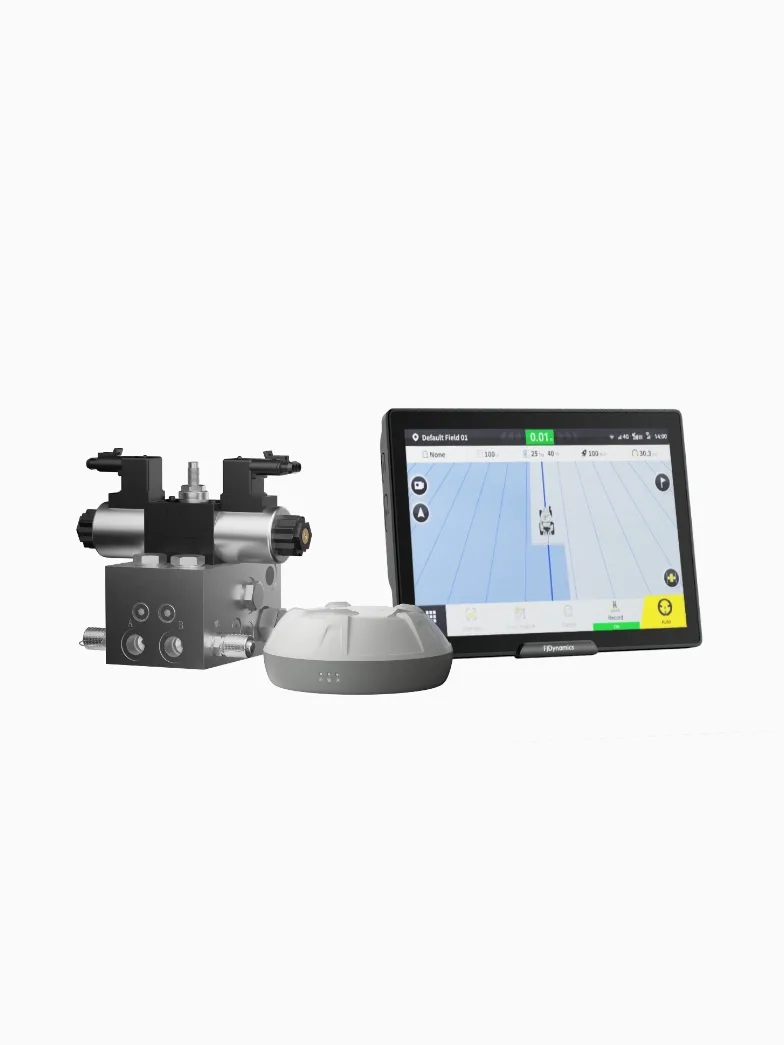
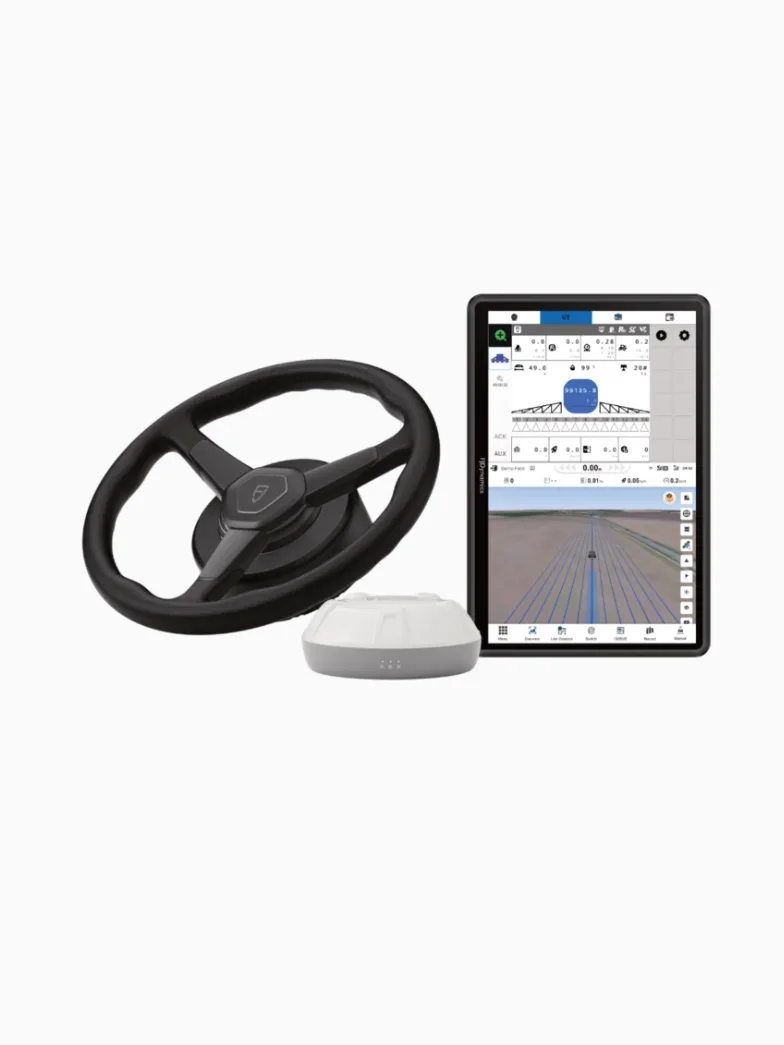
Tap any picture to see it full size.
After the sale
Farmers helping farmers
Over 30 years of experience. Trusted by thousands of farmers across the US. Two-year warranty. One-year buy-back guarantee. US-based support.
- 01
Before you buy
Call or text and talk to a farmer. Tell us the implement controller model, and we tell you whether it plugs straight in or needs a harness.
- 02
Getting set up
Our tech walks you through the cable and the display settings on the phone.
- 03
First hookup
We check that the implement shows up on the screen with you.
- 04
In the field
Call or text 8:00 am to 8:00 pm, seven days a week. We can remote into your display while you sit in the cab.
At a glance
| Communication type | IBBC, in-cab |
|---|---|
| Transfer protocol | CAN |
| Operating temperature | -22°F to 158°F |
| Operating humidity | 5% - 95% |
| Storage temperature | -49°F to 185°F |
| IP rating | IP67 |
| CAN bus data transfer rate | 250 Kbps |
| ISOBUS functions | UT, TC-BAS, TC-SC, TC-GEO, AUX-N |
Full specs
Specs
| Input voltage | 9-36 V |
|---|---|
| Input current | Max 50 A |
| Operating temperature | -22°F to 158°F |
|---|---|
| Storage temperature | -49°F to 185°F |
Common questions
Will this work with an implement from another manufacturer?
It is designed to work with ISOBUS-compatible implements from different manufacturers. If the implement controller is ISOBUS certified for UT and task control, it runs.
Can it control sections automatically?
Yes. The TC-SC function can turn implement sections on and off based on GPS location and desired overlap, including at field boundaries and over previously worked areas.
Can it support variable-rate applications?
Yes. The TC-GEO function uses GNSS location data to support variable-rate applications and can log application data.
More in Displays, Cameras & Accessories
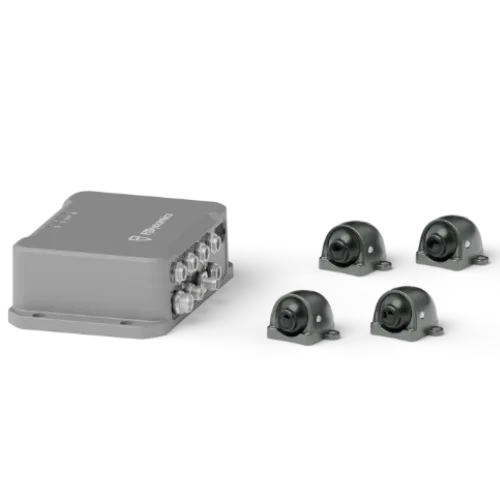
360 OmniView Camera System
See around your machine when tight spaces leave no room for error.
Learn moreIt's easy to get started.Talk to a farmer today.
Learn more about
Deep Sand Tech
Serving the United States. Deep Sand Tech specializes in affordable, industry leading, agricultural autosteering systems and agtech management support. Two-year warranty. Buy-back guarantee. Talk to a farmer today.
Watch Video